Mock-Up Machine Voiceover in. Ad-ready video out.
Drop in a voiceover. Mock-Up Machine handles the transcription, captions, and footage, delivering a finished video ad ready for your next real estate campaign.
From idea to ad in under a minute.
Three moves. Zero friction. Every render is ready to launch.
-
01
Drop the audio
Upload your voiceover and let the machine listen. It instantly generates a clean, word-by-word transcript that you can review and edit in seconds.
-
02
Set your preferences
Apply your personal edits and choose your visual style. You have full control over the final look of your captions before moving to the next stage.
-
03
Generate the ad
Hit render. The system automatically pulls a high-converting background clip from your library, syncs your text, and delivers a launch-ready video.
Got a voiceover? Build ads from your phone.
Generate your creatives on the go. Just upload the audio file from your mobile device and the system delivers a ready-to-run video ad.

Your new home by the sea. Book a visit today.
Your new home by the sea. Book a visit today.
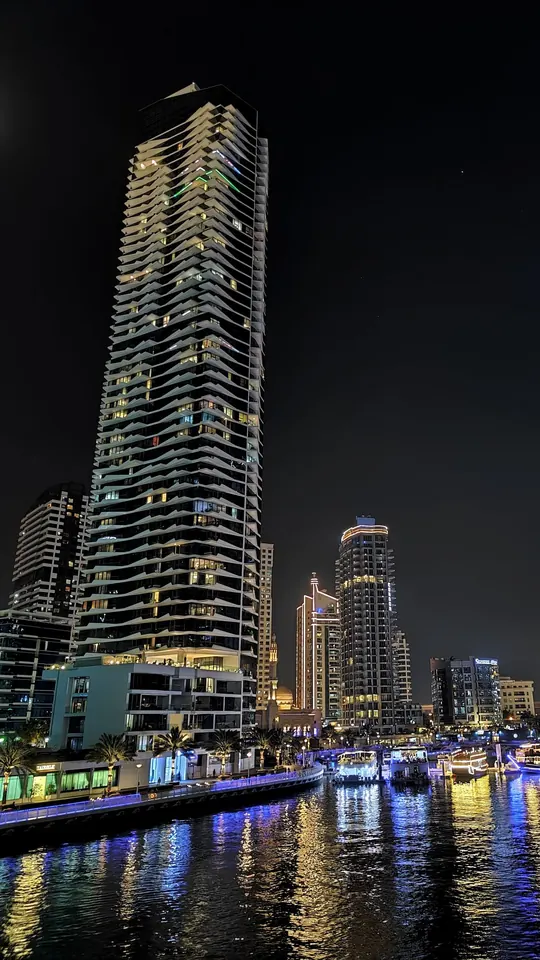 Sponsored
Your new home by the sea. Book a visit.
Book a visitEverything you need to launch an ad. Nothing extra.
What it does
Word-by-word transcript
Fix any word before you render.
Captions on the voice
Your color, top or bottom.
Footage built in
Our property library, or your own videos.
Two modes
Caption mode
Captions follow the voice, word by word.
TOV mode
Your one line stays on screen.
Simple pricing. Cancel whenever.
Every plan includes the full studio, from voiceover to finished ad.
- Voiceover upload and word-by-word transcription
- Edit every caption before you render
- Caption and TOV modes
- The stock mockup video, your own uploads and your own folders
Footage folders
A one-time purchase, yours to keep. Use it in the studio while your plan is active.
Good to know before you start.
Can I use my own footage?
Yes. Upload one video for a single render, or create folders of your own videos. Folders are included in every plan.
What are the footage folders?
A folder is a set of property clips, and MM builds your ad from the folder you pick. City Apartments and Beach Chalet are MM's ready-made footage libraries: each is a one-time purchase, yours to keep, used in the studio while your plan is active. You can also create folders of your own videos, included in every plan.
What do I upload?
Your voiceover: an audio file such as MP3, M4A or WAV, or a video with the voice in it. MM writes out every word with its timing, and you can correct any word before the video is made.
Which languages does MM caption?
Arabic and English. MM hears which one your voiceover is in, or you choose it, then writes the captions in that language: right to left for Arabic, left to right for English. In TOV mode you type your own line instead.
What do I get at the end?
An MP4 with the captions burned in and your voiceover as its sound, up to 1080p and in the shape of your footage: vertical, horizontal or square. Choose how the captions look before it is made: the whole line, one word at a time, or the line with the spoken word on a coloured box; or TOV mode, with one line of your own at the top or bottom.
How long are my files kept?
Your upload and work files are deleted one hour after your video is made. The finished video is deleted as soon as you download it, or after one hour, so download what you want to keep. Your own footage folders stay until you delete them.